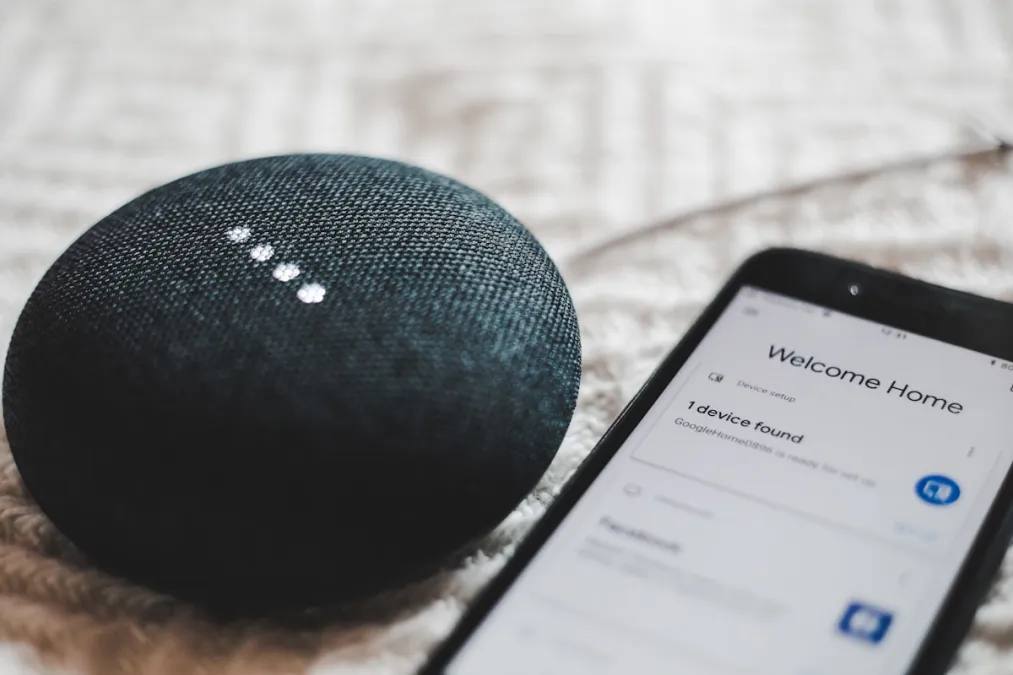
HomeKit vs Google Home vs Alexa: Which Smart Home Platform Should You Choose?
The Big Three Smart Home Ecosystems
Apple HomeKit, Google Home, and Amazon Alexa each offer a complete smart home platform with voice control, automation, and device management. But they differ significantly in philosophy, device support, and capabilities. This comparison helps you choose the right foundation for your smart home.
Apple HomeKit
Strengths
- Privacy: Local processing, end-to-end encryption, no conversation storage
- Security: Strict device certification requirements
- Integration: Seamless with iPhone, iPad, Mac, and Apple Watch
- Design: Clean, intuitive Home app interface
- Automation: Powerful shortcuts and scenes
Weaknesses
- Device Selection: Smaller ecosystem than competitors (improving with Matter)
- Hub Requirement: Need Apple TV, HomePod, or iPad as hub for remote access
- Price: HomeKit devices often cost more
- Siri: Voice assistant less capable than Alexa/Google
Best For
iPhone users who prioritize privacy and appreciate Apple's design philosophy. Excellent for those already invested in Apple ecosystem.
Google Home
Strengths
- Voice Assistant: Google Assistant excels at natural language and questions
- Device Support: Wide compatibility, Works with Nest ecosystem
- Integration: Deep ties to Google services (Calendar, Maps, Search)
- Display Devices: Excellent smart displays for visual feedback
- Routines: Flexible automation with multiple triggers
Weaknesses
- Privacy Concerns: Google's business model is advertising
- App Confusion: Google Home vs Nest apps, ongoing consolidation
- Ecosystem Changes: Google frequently deprecates features/products
Best For
Android users and those who rely heavily on Google services. Great for information-heavy households who ask lots of questions.
Amazon Alexa
Strengths
- Device Compatibility: Largest smart home ecosystem by far
- Skills: Thousands of third-party skills extend features
- Hardware Variety: Echo devices for every budget and use case
- Routines: Powerful automation engine
- Shopping: Seamless Amazon integration
Weaknesses
- Privacy: Voice recordings reviewed, shopping-focused suggestions
- Sound Quality: Generally inferior to Sonos/HomePod at similar prices
- Interface: Alexa app can be cluttered and confusing
Best For
Those who want maximum device compatibility and don't mind the Amazon ecosystem. Great for smart home beginners due to low barrier to entry.
Feature Comparison
| Feature | HomeKit | Google Home | Alexa |
|---|---|---|---|
| Voice Recognition | Good | Excellent | Very Good |
| Device Compatibility | Good+ | Excellent | Excellent |
| Privacy | Excellent | Fair | Fair |
| Local Control | Excellent | Limited | Limited |
| Matter Support | Yes | Yes | Yes |
| Multi-user Support | Good | Excellent | Very Good |
| Automation Power | Very Good | Good | Very Good |
The Matter Factor
Matter changes the calculation significantly. With Matter:
- Devices work with all three ecosystems
- You can switch platforms without replacing devices
- Multi-admin lets you use multiple platforms simultaneously
This reduces lock-in concerns. Choose your platform based on voice assistant preference and phone ecosystem rather than device compatibility.
Our Recommendation
For iPhone users: Start with HomeKit. The privacy benefits, tight integration, and excellent local control make it the best choice. Matter bridges compatibility gaps.
For Android users: Google Home offers the best experience, especially with Nest devices. The Google Assistant is genuinely helpful for daily tasks.
For maximum compatibility: Alexa still has the widest direct device support, though Matter is closing this gap.
For advanced users: Consider Home Assistant as your hub, with any voice assistant as a frontend. This gives you the best of all worlds.
Can You Use Multiple Platforms?
Absolutely! Many households mix ecosystems:
- Use HomeKit for security and locks (privacy)
- Use Alexa for voice control and routines (convenience)
- Use Google for questions and information (capability)
Matter makes this easier than ever with multi-admin support for devices.
Browse our product guides filtered by ecosystem compatibility to find devices that work with your platform of choice.