5 Energy-Saving Smart Home Tips for Winter
Smart Home Technology Meets Energy Efficiency
Winter heating costs can be brutal, but smart home technology offers powerful tools to stay warm without draining your wallet. These five strategies combine automation, scheduling, and intelligent monitoring to significantly reduce your energy consumption while maintaining comfort.
1. Master Your Smart Thermostat's Advanced Features
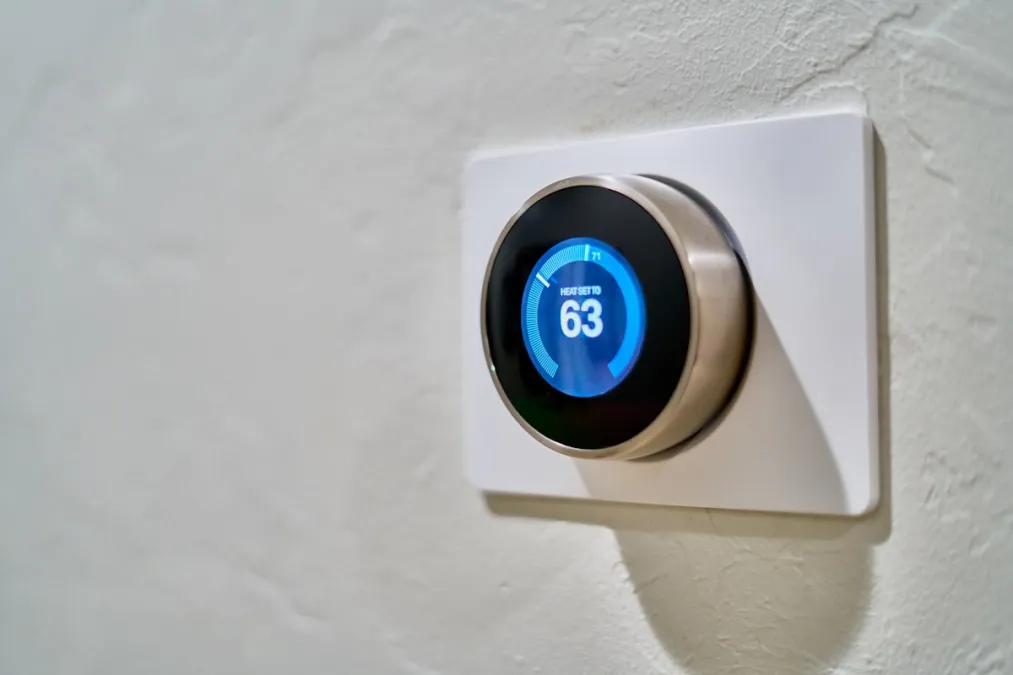
If you have a smart thermostat, you're probably only using a fraction of its capabilities. Here's how to maximize savings:
Geofencing
Enable location-based automation so your thermostat automatically adjusts when everyone leaves home. Most smart thermostats can track multiple family members' phones and only switch to "away" mode when the last person leaves.
Learning Schedules
Thermostats like the Nest Learning Thermostat and Ecobee Premium learn your patterns over time. But you can accelerate this by manually adjusting the temperature for the first few weeks - the thermostat learns faster from your corrections.
Room Sensors
If your thermostat supports room sensors (Ecobee, Nest), place them in the rooms you use most. Configure the thermostat to prioritize these sensors during occupied hours instead of relying solely on the hallway temperature.
Temperature Setbacks
Every degree you lower your thermostat saves approximately 1-3% on heating costs. Consider these setpoints:
- When home: 68°F (20°C)
- When sleeping: 62-65°F (17-18°C)
- When away: 55-60°F (13-16°C)
2. Automate Your Window Coverings
Windows are major sources of heat loss - and heat gain. Smart blinds or shades can work with the sun instead of against it:
Winter Strategy
- Morning: Open south-facing blinds to let in warming sunlight
- Sunset: Close all blinds to trap heat inside
- Overcast days: Keep blinds closed for insulation
Automation Setup
Create time-based or sun-position automations using:
- Lutron Serena Shades with HomeKit or Lutron app
- IKEA FYRTUR with the Home Smart app
- Hunter Douglas PowerView with scenes and schedules
3. Smart Plug Monitoring and Automation
Many smart plugs include energy monitoring that reveals surprising power drains:
Identify Phantom Loads
Devices like game consoles, cable boxes, and computer peripherals draw power even when "off." Smart plugs with energy monitoring (TP-Link Kasa, Eve Energy, Emporia) can identify these vampires.
Schedule High-Draw Devices
- Space heaters: Automate to run only when you're in the room
- Entertainment centers: Cut power completely when not in use
- Chargers: Turn off after charging completes
Hot Water Optimization
If you have a tank water heater with accessible power, a smart switch or plug can implement vacation mode and optimize heating schedules. Heat water before peak rate hours if you have time-of-use pricing.
4. Smart Lighting Strategies
While LED lighting is already efficient, smart lighting can drive additional savings:
Occupancy-Based Control
Use motion sensors to automatically turn off lights in unoccupied rooms. This is especially effective for:
- Bathrooms
- Closets and storage areas
- Kids' rooms (they never remember to turn off lights)
Daylight Harvesting
Light sensors can dim or turn off artificial lighting when natural light is sufficient. Some smart bulbs and switches support this natively, or you can use a separate light sensor with your smart home hub.
Circadian Lighting
Program lights to dim in the evening. Lower brightness means lower power consumption, and it helps you sleep better too.
5. Whole-Home Energy Monitoring
You can't optimize what you can't measure. Whole-home energy monitors provide real-time visibility into your consumption:
Options to Consider
- Emporia Vue: Affordable whole-home monitoring with circuit-level tracking
- Sense: AI-powered device detection and detailed analytics
- Utility Smart Meters: Many utilities offer free real-time data access
What to Look For
- Baseline consumption when nobody's home
- Peak usage times and causes
- Devices that use more power than expected
- Changes after implementing new automations
Putting It All Together: A Winter Automation
Here's an example of a complete winter morning routine:
- 6:00 AM: Thermostat begins warming house from night setback
- 6:30 AM: Bedroom lights gradually brighten to wake you
- 7:00 AM: South-facing blinds open to capture sunlight
- 7:30 AM: Coffee maker activates (smart plug)
- When last person leaves: Thermostat drops to away mode, all lights off, blinds close for insulation
Expected Savings
With diligent implementation of these strategies, most households can expect:
- Heating: 15-25% reduction
- Lighting: 10-20% reduction
- Phantom loads: Varies, but often $50-100/year
The smart devices themselves typically pay for themselves within 1-2 heating seasons through energy savings alone - everything after that is pure savings.
Ready to upgrade your home's efficiency? Browse our smart thermostats, lighting solutions, and energy monitors to get started.