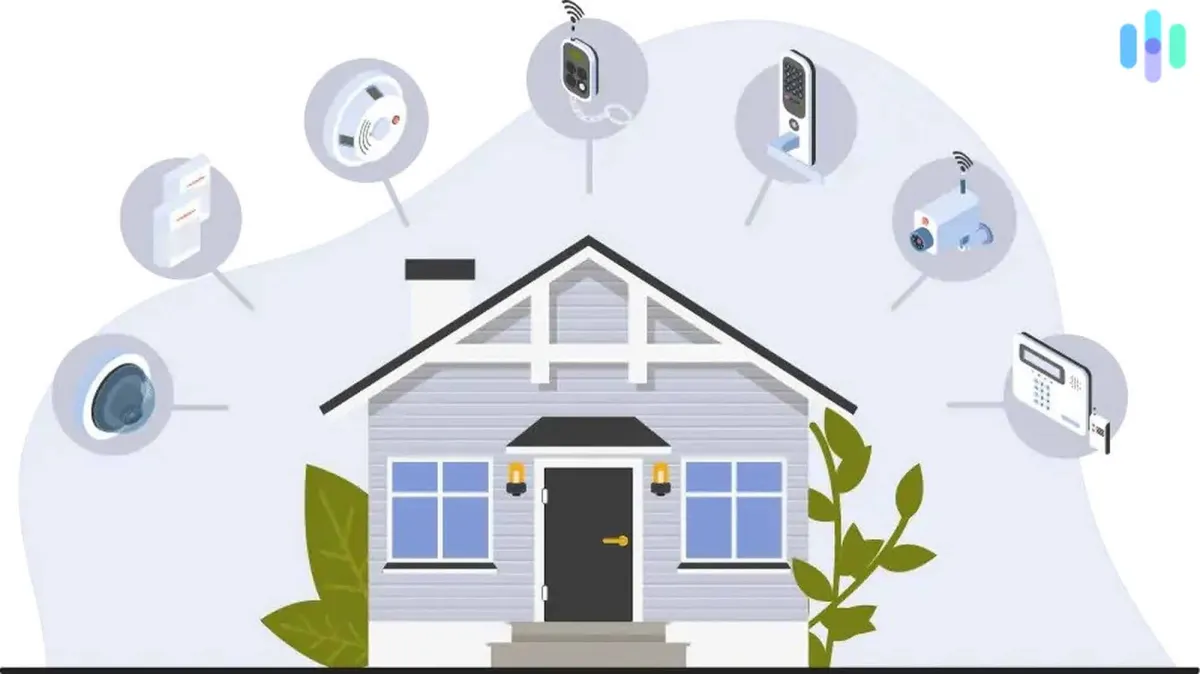
Securing Your Smart Home: A Complete Guide
Why Smart Home Security Matters
Every connected device in your home is a potential entry point for hackers. From smart cameras to thermostats, these devices can be exploited to spy on your family, steal data, or even gain access to your entire home network.
Step 1: Secure Your Router
Your router is the gateway to your smart home. Take these essential steps:
- Change the default admin password to something strong and unique
- Enable WPA3 encryption (or WPA2 if WPA3 isn't available)
- Disable WPS (Wi-Fi Protected Setup)
- Keep router firmware updated
- Consider creating a separate IoT network for smart devices
Step 2: Use Strong, Unique Passwords
Never reuse passwords across smart home accounts. Use a password manager to generate and store unique passwords for each device and service. Enable two-factor authentication wherever available.
Step 3: Keep Devices Updated
Enable automatic updates for all smart home devices. Manufacturers regularly patch security vulnerabilities, and outdated firmware is a common attack vector. Check for updates at least monthly.
Step 4: Review Device Permissions
Audit what access each app and device has:
- Does your smart speaker need access to your contacts?
- Should your robot vacuum have internet access?
- Are there old devices still connected that you no longer use?
Step 5: Use Local Control When Possible
Devices that can operate locally (like many Zigbee and Z-Wave devices) are inherently more secure than cloud-dependent devices. Consider platforms like Home Assistant for local control.
Step 6: Monitor Network Activity
Use your router's traffic monitoring or a tool like Pi-hole to watch for suspicious activity. Unusual outbound connections from your devices could indicate a compromise.
What to Do If You Suspect a Breach
If you believe a device has been compromised, immediately disconnect it from your network, change your Wi-Fi password, reset the device to factory settings, and update all related account passwords.