Smart security is where the stakes actually matter. A buggy light bulb is annoying; a security camera that goes offline when you need it is a real problem. It's worth being deliberate about what you buy and how you set it up.
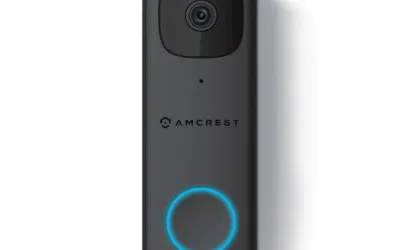
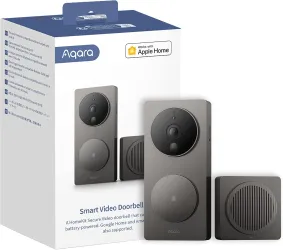
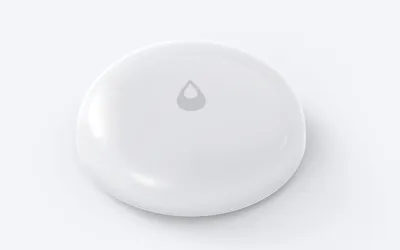
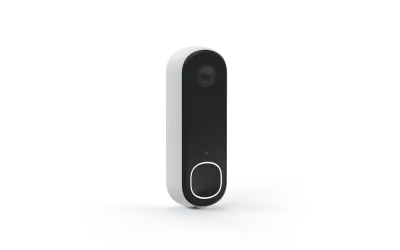
The big categories: Smart security covers cameras, smart locks, doorbell cameras, sensors (door/window, motion, leak), and alarm systems. Most people start with a doorbell camera and a lock, then expand. That's a fine approach -- just make sure what you start with doesn't lock you into an ecosystem you'll regret.
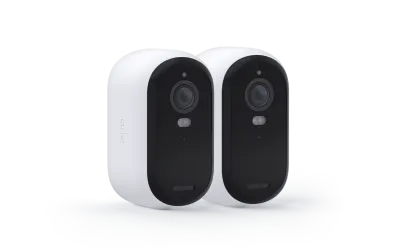
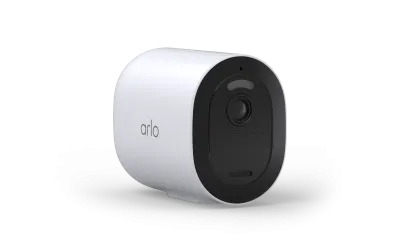
The subscription trap. Most major camera brands (Ring, Arlo, Nest) require a monthly subscription for useful features like video history and person detection. These run $3-10 per camera per month. Over a few years, subscriptions cost more than the cameras. Alternatives:
- Local storage -- Cameras with microSD cards or a local NVR. Eufy, Reolink, and TP-Link Tapo offer this. No fees, footage stays on your property.
- HomeKit Secure Video -- Included with iCloud+. End-to-end encrypted, doesn't count against your storage.
- Self-hosted -- Tools like Frigate can record from many camera brands locally. More setup, more control.
Don't rely solely on WiFi. If your lock, alarm, and cameras all need WiFi and your router dies, you have nothing. Good setups have redundancy:
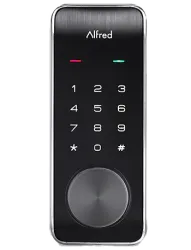
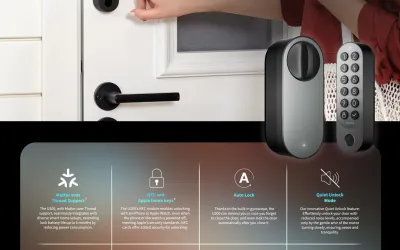
- Locks should always have a physical key or keypad backup.
- Cameras with local storage keep recording when WiFi drops.
- Alarm systems from Ring and SimpliSafe have cellular backup.
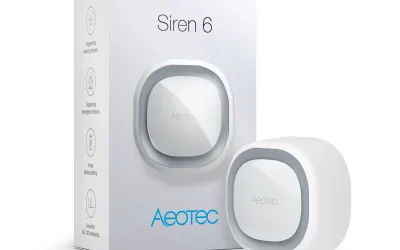
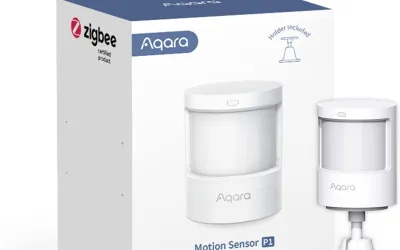
- Sensors on Zigbee/Z-Wave still talk to your hub during outages.
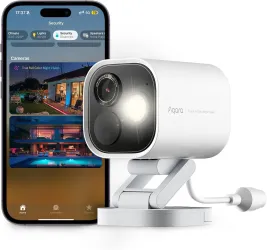
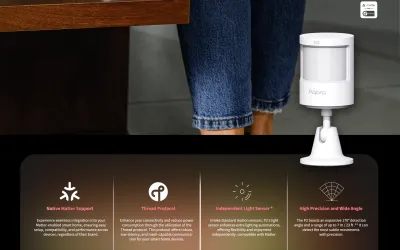
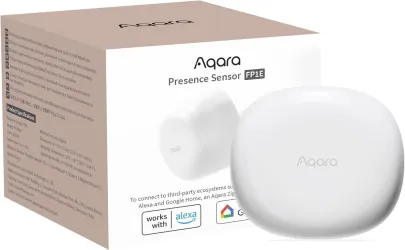
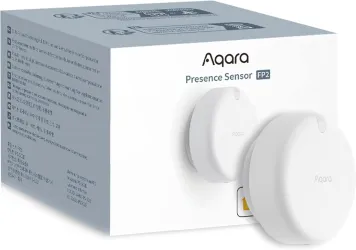
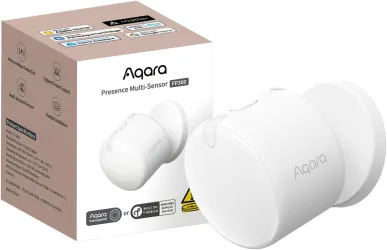
Privacy matters. Indoor cameras especially -- do you want a company storing video of your home's interior? Brands like Eufy and Aqara emphasize local processing. Some people skip indoor cameras entirely and use door/window sensors and motion detectors instead. No wrong answer, just think about it.
142 Category Products
View All 142 Products →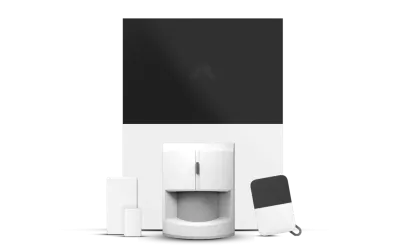




Showing 24 of 142 products